"AI solutions" used to mean a chatbot, a prediction model or a content generator. In 2026 the useful ones are narrower and more practical. They sit inside a business function and do the work: they update the CRM, resolve the ticket, code the invoice or schedule the interview, and ask a person to approve the steps that matter.
This guide is organised by business function. For each one it covers what AI actually does there today, a few current tools that are worth a look, and when a point tool beats a general agent platform. After that comes a framework for choosing, and an honest note on where DeskFerry fits.
All products named here were checked as live and current in September 2026. Vendors change pricing often, so check current pricing on their sites.
What changed since the chatbot era
Three shifts matter more than any single product:
- From drafting to acting. Most business AI now ships as an agent: it plans steps, calls tools and writes back to your systems. Apollo, Gong, HubSpot, Ashby, Ramp and Glean all launched or expanded agents in the past year. If you're new to the term, start with what agentic AI is.
- Approvals are the control point. Serious products let a human approve a refund, a payment or an outbound email before it happens. The question has moved from "is the AI accurate?" to "where does a person need to sign off?"
- Pricing is moving from seats to outcomes. Support AI is often priced per resolution. Automation platforms charge per task or credit. Assistants are still usually per seat. The pricing model changes your total cost more than the headline price.
AI solutions by business function
Sales
What the AI does. It researches accounts and enriches contacts, scores and routes inbound leads, writes personalised first lines, summarises calls and updates the CRM afterwards, and flags deals at risk.
Current tools:
- Clay: data enrichment and prospect research, with an AI research agent (Claygent) that visits sites and writes personalised openers.
- Apollo.io: contact database, sequencing and an AI Assistant (launched March 2026) that runs prospecting workflows end to end.
- Gong: call recording and revenue intelligence, now with agents for follow-ups, deal risk and coaching, plus a governance layer for agents across the revenue cycle.
Point tool or agent platform? Buy Gong or Apollo if you want that system of record anyway. A general agent fits the glue work around them, such as "when a demo is booked, research the account, post a brief to the rep in Slack and update the opportunity". For more, see AI sales automation tools and how to automate lead qualification.
Marketing
What the AI does. It drafts on-brand content, repurposes one asset into many formats, produces images and short video, builds audience segments, runs SEO research and reports on campaigns.
Current tools:
- HubSpot Breeze: a copilot plus agents for content, social, prospecting and customer service inside HubSpot. Some Breeze agents are still in beta.
- Jasper: brand-governed content and campaign workflows for marketing teams.
- Canva: design, with AI image generation and editing built into the editor most teams already use.
Point tool or agent platform? Content generation is cheap and everywhere, so the value is in the workflow around it. That means pulling performance data, briefing the writer (human or AI), getting approval and publishing. See AI agents for marketing and marketing automation workflow examples.
Customer support
What the AI does. It answers and resolves tickets from your help centre and past conversations, takes actions (order lookups, refunds, address changes), triages and routes the rest, and drafts replies for human agents.
Current tools:
- Intercom Fin: an AI agent that works inside Intercom's help desk or alongside others, priced per resolution.
- Zendesk AI agents: built into Zendesk, with resolution-based pricing on top of seats.
- Decagon and Sierra: enterprise AI support agents. Both raised large rounds in 2026 and sell mainly to large support organisations.
Point tool or agent platform? If your help desk vendor's AI covers your ticket types, start there, because it already has the context. Look further when resolving a ticket needs actions in other systems, such as billing, shipping or the CRM, or when per-resolution pricing gets expensive at your volume. See our support automation guide, how to cut response times with AI and our Intercom and Zendesk comparisons.
Finance and accounting
What the AI does. It reads invoices in any format, matches them to purchase orders, codes them to the right GL account, routes approvals, checks expenses against policy, flags possible fraud and prepares reconciliations and reports.
Current tools:
- Ramp: spend management with agents for expense review, policy enforcement and several accounts payable steps (coding, fraud checks, approvals, payments).
- Vic.ai: AI accounts payable automation, with a Q1 2026 release that expanded autonomous processing and approvals, and its own payments product (VicPay).
Point tool or agent platform? Money movement belongs in a finance system that has proper controls. Use an agent platform for the work around it: chasing missing receipts, sending payment reminders, compiling a weekly cash report from Stripe and your bank, or preparing variance notes. Always put a human approval in front of any payment. See AI agents for finance teams and AI for accounts receivable.
HR and recruiting
What the AI does. It sources and screens candidates, runs structured first-round screens, schedules interviews, answers candidate questions around the clock, drafts offer letters and onboarding checklists, and answers employee policy questions.
Current tools:
- Ashby: an AI-native applicant tracking system with custom agents, an assistant (also in Slack), scheduling agents and an AI Interviewer announced in May 2026.
- Workday with Paradox: Workday completed its acquisition of Paradox in October 2025. Paradox's conversational agent handles candidate chat and scheduling, especially for high-volume frontline hiring.
Point tool or agent platform? Hiring decisions carry legal risk, and rules like the EU AI Act treat some hiring AI as high risk. Keep screening and scoring inside your ATS, where it can be audited. Agents work well for the admin: interview logistics, reminders, onboarding tasks across IT and payroll, and policy Q&A. See AI agents for recruiting and AI agents for HR.
Operations
What the AI does. It moves data between systems, handles intake and routing, extracts data from documents, prepares recurring reports and watches for exceptions such as late orders, failed syncs or low stock.
Current tools:
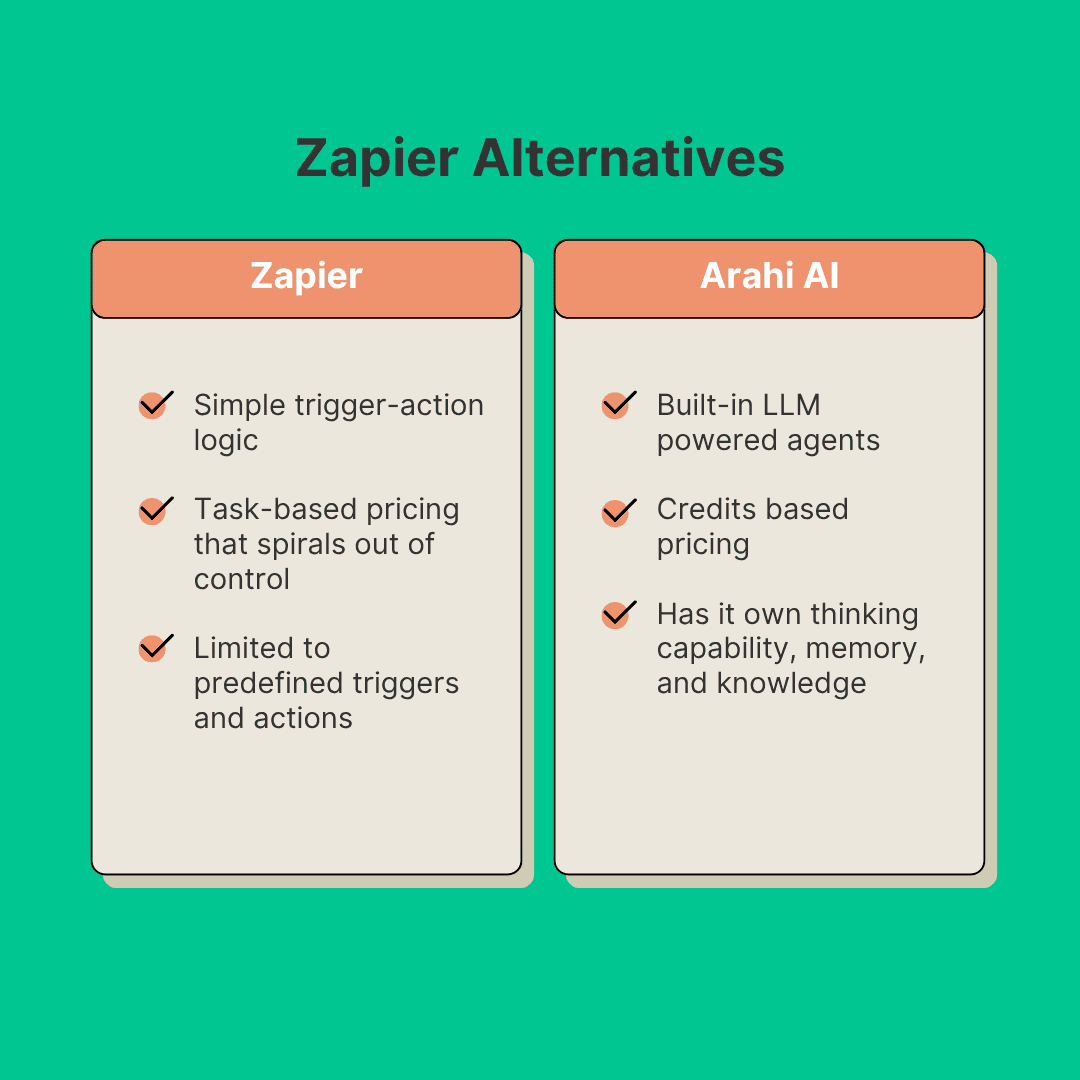
- Zapier: the broadest app catalogue. Agents, Tables and Forms are on every plan. There's a free tier with 100 tasks, and Professional costs $19.99/mo billed annually.
- n8n: source-available, so you can self-host it. It charges per execution rather than per step, with unlimited workflows and users on all plans. Starter is €20/mo billed annually.
- Make: a visual scenario builder billed in credits. There's a free tier with 1,000 credits, and paid plans start at $9/mo.
- UiPath: enterprise automation for legacy desktop apps and document processing, where APIs don't exist.
Point tool or agent platform? Fixed rules ("if X, do Y") belong in a workflow tool. Work that needs judgement, like reading an email, deciding what it is and choosing the right next step, suits an agent. Many teams run both. See best workflow automation tools for small teams, n8n vs Zapier and Make vs Zapier.
IT and software development
What the AI does. It writes, reviews and refactors code, works through issues and opens pull requests, answers employee IT requests, resets access and routes tickets.
Current tools:
- GitHub Copilot: code completion, agent mode and a cloud coding agent that turns issues into draft pull requests. Its CLI reached general availability in February 2026.
- Cursor: an AI-first code editor with cloud agents and a choice of models from several providers.
- Claude Code and OpenAI Codex: agentic coding tools that work in the terminal and in the cloud.
- ServiceNow EmployeeWorks: employee IT and HR help, built on Moveworks, which ServiceNow acquired in December 2025.
Point tool or agent platform? Developers will pick their own coding agent. Agent platforms help at the edges, for example turning a bug report in the support inbox into a well-formed issue, or posting a deploy summary to Slack.
Knowledge work and internal search
What the AI does. It answers questions from company documents while respecting permissions, summarises meetings and threads, drafts documents and decks from scattered context, and runs deep research across the web and internal sources.
Current tools:
- Glean: permission-aware enterprise search across 100+ apps, with assistants and agents on top.
- Notion AI: AI inside the Notion workspace, a good fit if Notion is already your wiki.
- Microsoft 365 Copilot, ChatGPT and Gemini: general assistants. ChatGPT Work and Gemini's Workspace integration now handle much of the everyday drafting and research. See our ChatGPT vs Gemini comparison.
Point tool or agent platform? General assistants are the default for individual knowledge work. Enterprise search pays off once information is spread across many systems and permissions matter.
Point tool or agent platform: the short version
| Situation | Better fit |
|---|---|
| One system owns the whole workflow (help desk, ATS, spend platform) | The point tool's built-in AI |
| The workflow crosses 3+ apps | Agent platform or automation tool |
| Fixed, rule-based steps with no judgement | Workflow automation (Zapier, n8n, Make) |
| Reading unstructured input and deciding what to do | AI agent |
| Many small workflows across teams | One agent platform, not a tool per workflow |
| Regulated decisions (credit, hiring, clinical) | Specialist vendor, with humans deciding |
A selection framework: four questions
1. Build or buy?
Buy when the workflow is common (support deflection, AP coding, lead enrichment), because vendors have already solved the edge cases. Configure on an agent or automation platform when the workflow is specific to you but uses standard apps. Build on model APIs only when the workflow is core to your product or needs control a platform can't give you. Even then, budget for evaluation, monitoring and maintenance, not just the first version. For the trade-offs, see how to build an AI agent and our low-code AI platform guide.
2. How sensitive is the data?
List the data the AI will touch and sort it into public, internal, confidential and regulated. Then:
- keep regulated data (health, payment card, some HR data) in the systems already approved for it, and let the AI read only what it needs;
- check whether the vendor trains on your data by default. Consumer AI plans often do; business tiers usually don't;
- prefer tools that respect the permissions of your source systems;
- ask for the vendor's current security documentation instead of relying on a logo on a landing page.
3. Where must a human approve?
Map each workflow step as read, draft or act. Reading and drafting are low risk. Acting (sending an email, issuing a refund, changing a record, paying a bill) needs a clear policy. Choose tools that support approval steps and a run history, so you can see what an agent did and why. Start with approval on every action, then remove it step by step as the agent earns trust.
4. What is the cost model?
| Model | Typical for | Watch out for |
|---|---|---|
| Per seat | Copilots, assistants, CRM and ATS add-ons | Paying for seats nobody uses |
| Per task, execution or credit | Zapier, Make, n8n, agent platforms | Multi-step runs that use more units than you expect |
| Per outcome (for example, per resolution) | Support AI agents | Bills that grow with volume. Model your busiest month |
Before you sign, estimate a month at your real volume. Our guide to how much AI agents cost walks through the maths.
How to roll it out
- Pick one workflow with a clear owner, a measurable result (hours, response time, error rate) and a known baseline.
- Pilot with approvals on for two to six weeks with a small group. Review the run history every week.
- Measure against the baseline. If you can't show a difference, stop or change the scope.
- Loosen approvals gradually on steps with a clean record.
- Expand to the next workflow, reusing what you learned about access, approvals and prompts.
Where DeskFerry fits
DeskFerry is an agent platform for the cross-app work in the middle of this guide: tasks that touch your CRM, inbox, billing and Slack, where no single point tool owns the whole job. To be clear about what it is and isn't:
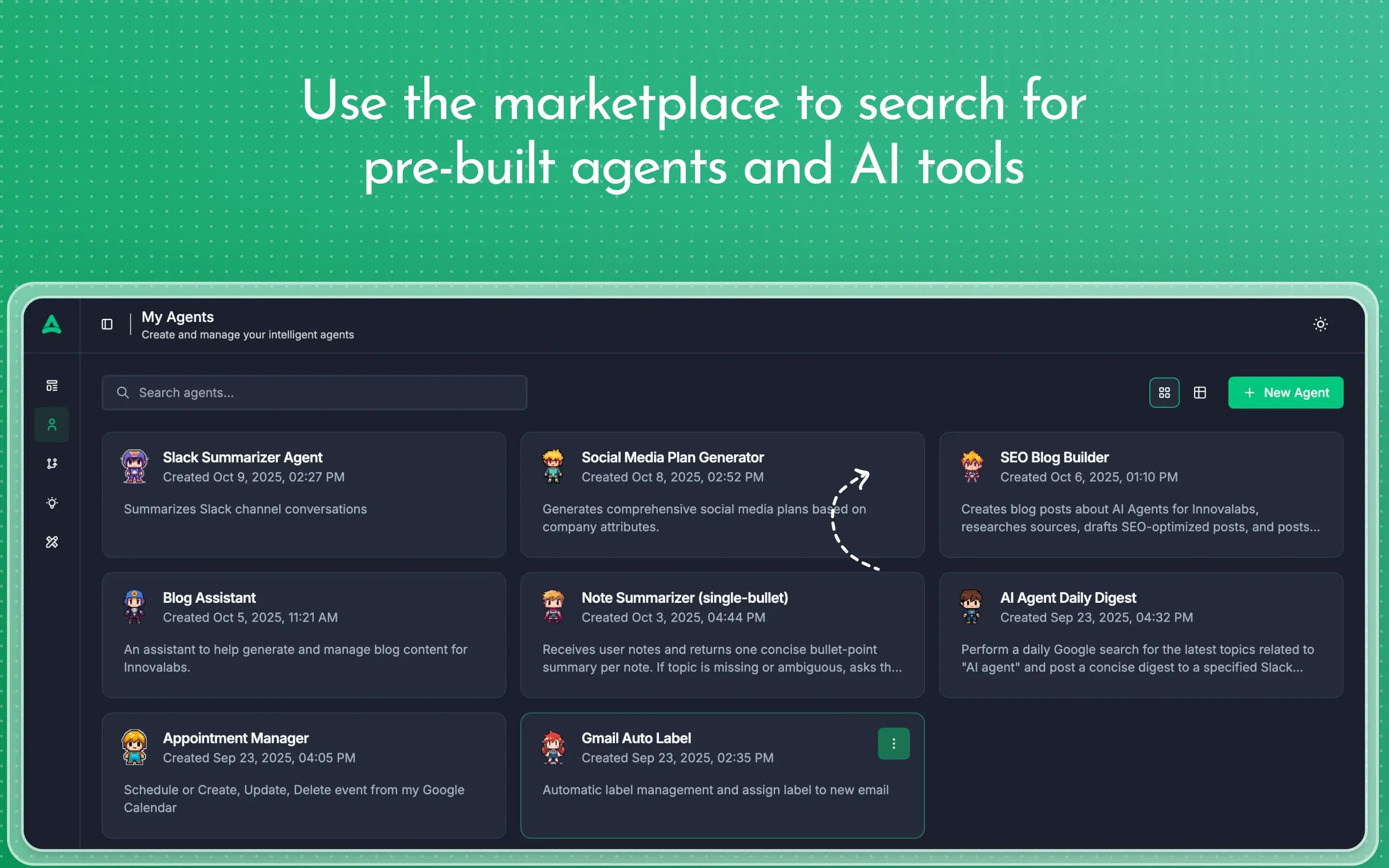
- How you build: you describe what the agent should do in plain English. DeskFerry has no drag-and-drop canvas. There are also 200+ templates and an agent marketplace to start from.
- What it connects to: 1,500+ apps, including HubSpot, Salesforce, Stripe, Gmail, Notion and Slack.
- Control: human approvals before sensitive steps, a run history that records every run, and a visual map of multi-agent teams that shows how agents hand off to each other.
- Where you use it: the web app and the DeskFerry Slack app, where you can @mention an agent or approve its actions. You can also add an embeddable chat widget to your site.
- Models: leading models by default, or bring your own providers (OpenAI, Anthropic, Gemini, Bedrock, Perplexity, xAI).
- Pricing: a 7-day free trial, then plans from $49/mo, priced per plan rather than per seat, with unlimited agents (pricing).
When it isn't the right fit: if your help desk's own AI already resolves your tickets, or your spend platform already codes your invoices, keep them. DeskFerry works alongside those tools and handles the steps between them. It doesn't replace your system of record. For a comparison with automation tools, see DeskFerry vs Zapier and DeskFerry vs n8n.
Bottom line
The best AI solution in 2026 is rarely the one with the most features. It is the one that fits a single, measurable workflow and has a clear point where a human approves. Use the AI built into the systems you already trust. Add an agent platform for the work that crosses them. Measure everything against a baseline you recorded before you started.
Related: Best AI agents for business · Best AI automation tools · AI agent use cases by industry · 7 AI agent trends reshaping business · Latest AI agent news