
AI-Powered Reports That Generate Themselves
Stop spending hours on reports. AI agents gather data, generate insights, and deliver reports on your schedule.
Start with DeskFerry today —
free to try.
Describe it once. DeskFerry runs it — trigger, decide, act, report.
The challenge
The Reporting Time Sink
Creating reports should inform decisions, not consume your entire week.
- 01
Analysts spend 80% of their time gathering and preparing data, not analyzing it
- 02
Manual report creation introduces errors and inconsistencies
- 03
Stakeholders wait days or weeks for reports they need immediately
- 04
Data lives in silos making comprehensive reporting nearly impossible
- 05
Ad-hoc report requests constantly interrupt planned work
What you get
Reports That Work for You
Scheduled Generation
Reports generate automatically on your schedule daily, weekly, or monthly with fresh data every time.
Multi-Source Integration
Pull data from CRM, ERP, spreadsheets, databases, and 1,500+ apps into unified reports.
Natural Language Insights
AI summarizes key findings, highlights anomalies, and explains trends in plain English.
Automated Distribution
Reports delivered via email, Slack, or embedded in dashboards for the right people at the right time.
Visual Dashboards
Interactive charts and graphs that update in real-time.
Custom Templates
Build report templates that match your brand and needs.
Anomaly Detection
AI flags unusual patterns and potential issues automatically.
Multi-Format Export
Generate PDF, Excel, PowerPoint, or web-based reports.
Role-Based Access
Control who sees what data with granular permissions.
Query in Plain English
Ask questions about your data and get instant answers.
Results
Reporting Results
Reduction in report creation time
Apps and databases connected
Reports delivered on schedule
Quick Setup
How It Works
Step 01
Connect Your Data
Integrate with your databases, apps, and spreadsheets securely.
Step 02
Define Report Templates
Create report structures using natural language or visual builders.
Step 03
Schedule & Distribute
Set delivery schedules and recipients. AI handles the rest automatically.
FAQ
Frequently Asked Questions
Ready to Automate Your Reporting?
Join data-driven teams that spend time on insights, not report creation.
Get StartedPower your report automation workflows with 1,500+ app integrations. Connect CRMs, support tools, marketing platforms, and more — no code required.
Keep exploring
Related use cases
Related Articles
Explore guides and insights on this topic
What Are AI Agents? A Plain-English Guide for 2026
AI agents explained without jargon. Learn how they differ from chatbots, how they work, and how to build one without code using no-code platforms.
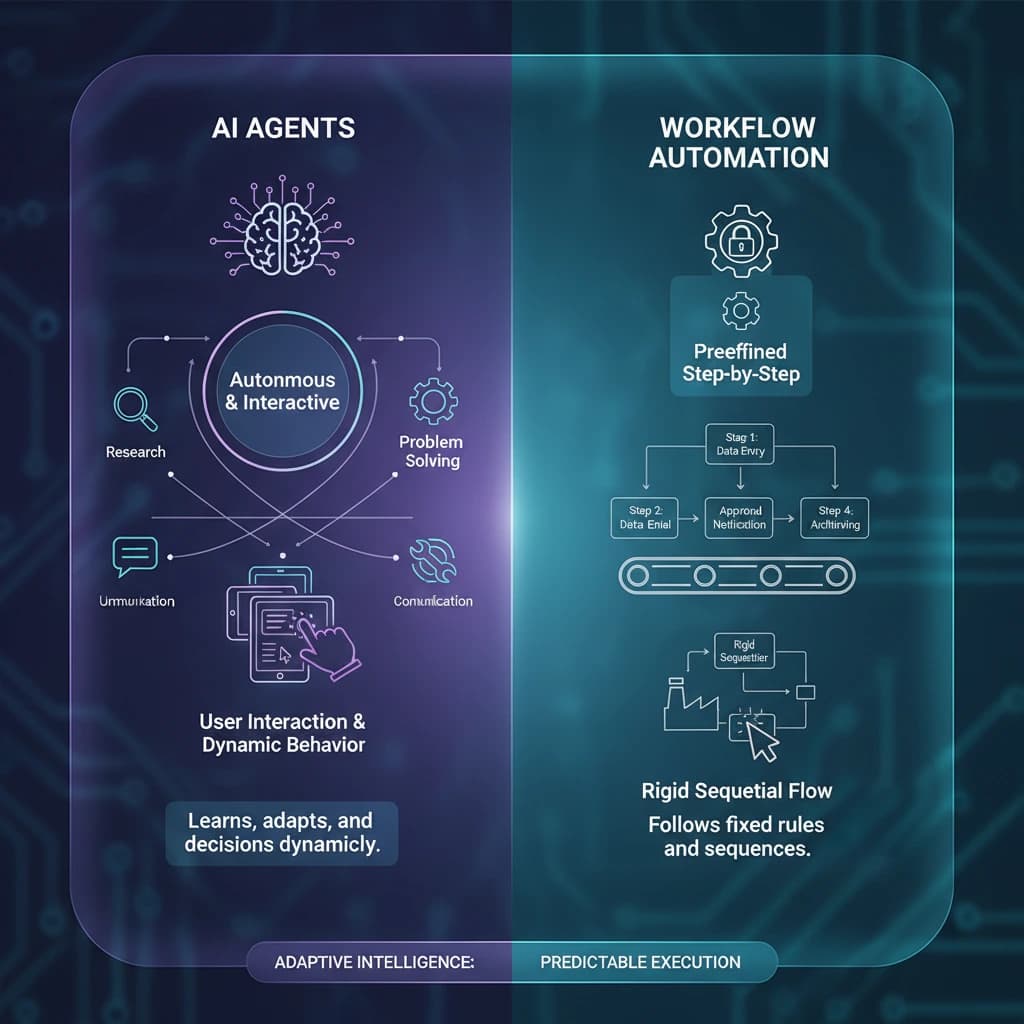
AI Agent Workflows vs Traditional Workflows (2026)
AI agent workflows vs traditional automation: key differences, when to use each, and how hybrid models combine the best of both.

AI Task Automation: How to Hand Everyday Tasks to AI (2026 Guide)
What AI task automation is, 15 tasks you can hand off today, and a 5-step way to set it up without losing control. Plain English, no code.