
Project Management · 2 alternatives compared
2 Best Slite Alternatives for 2026
Slite-style team knowledge plus an AI that takes action — not just answers. 1,500+ integrations, persistent memory, flat $49/mo plan.
Tasks get created and assigned — but Slite never does the actual work.
- Status updates collected manually
- No cross-tool follow-through
- Standups still required
- SR
Standup Reporter
Pulls PR + ticket activity into a Slack digest
Running - PH
Project Hygiene
Closes stale tickets, nudges blocked owners
Running - SR
Status Roll-up
Weekly exec summary across all projects
Queued



Agents that move work forward — not just track it.
1,500+ integrations · 200+ agent templates · live in ~10 minutes · no code
The verdict
Switch to DeskFerry, or stay on Slite?
The short answer, before the detail. Most of this page argues one way — this part argues both.
Pick DeskFerry if…
- You want AI that acts on team knowledge, not just answers questions about it.
- You are tired of paying per seat for a docs tool with limited integrations.
- You need 1,500+ integrations and custom agents, not just doc Q&A.
Stick with Slite if…
- Your primary need is a clean collaborative editor for team docs.
- You are a small team (under 15 users) where per-seat pricing is still cheap.
- You do not need agents acting on answers.
About Slite
What is Slite?
Slite is a knowledge management app built around team docs and an "Ask" AI feature that lets employees query the workspace in natural language. It positions itself between Notion (flexibility) and Confluence (structure) for SMB and mid-market teams.
- Starting price
- Free / $8 per user per month (Starter)
- Free tier
- Yes
- Integrations
- 15+
- Best for
- SMB and mid-market teams that want a queryable team-knowledge base with AI Q&A and a cleaner UX than Confluence.
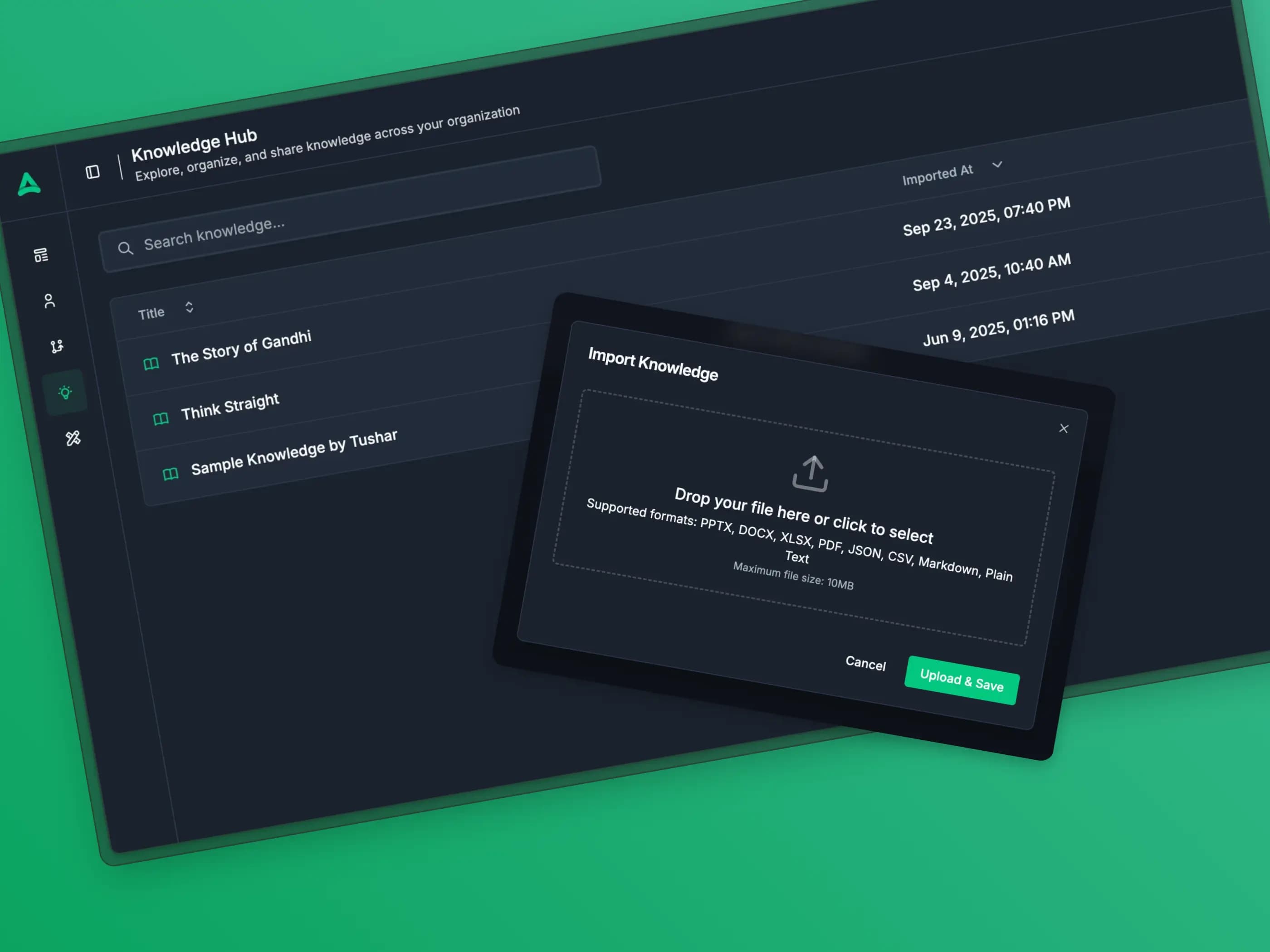
The gap
Where Slite falls short.
The complaints that send teams looking for a Slite alternative — and the DeskFerry pattern that answers each one.
The answer is right — quoted from a doc, perfectly grounded — and now the new hire has to file the ticket, ping the manager, and wait two days.
- Ask returns the runbook quote · stops there
- Per-seat pricing · $15/user/mo Premium
- No ticket filed · no manager pinged
Customer
“How do I get access to the prod monitoring dashboards?”
Agent draft · in your tone
Per the IT runbook, this needs manager sign-off + 24h security review. I've opened LIN-5012, assigned @sre-oncall, and pinged @priya for approval.
Same grounded answer Slite gives you, plus the ticket filed and the loop closed — flat plan, no per-seat math.


Doc-shaped, not workflow-shaped
Slite is built around team documents. It does not natively run agents, workflows, or actions across other tools.
Per-seat pricing scales linearly
Starter is $8/user/mo, Premium is $15/user/mo. A 50-person team is $400-$750/mo before any agent layer.
Slite Ask is read-only AI
The Ask feature answers questions over the doc base, but it does not act on the answers — no ticket filed, no record updated, no message sent.
Limited cross-tool reach
Slite indexes a small set of integrations (Slack, Google Drive, GitHub). The breadth is far below a true agent platform.
Side by side
Slite vs DeskFerry vs the closest alternatives.
Pricing, free tiers, and agent capability at a glance. Figures are taken from each vendor's public pricing page on the review date at the foot of this page.
| Feature | DeskFerry | Slite | Notion | Evernote | Workflowy |
|---|---|---|---|---|---|
| Starting price | $49/mo | Free / $8 per user per month (Starter) | $10/user/mo | Free (50 notes) / $14.99 per month Personal | Free / $4.99 per month Pro |
| Free tier | Free trial | Yes | Yes | Yes | Yes |
| AI agents | Yes — native | Slite Ask (Q&A only) | Notion AI (writing only) | AI Search add-on | Workflowy AI (limited) |
| Integrations | 1,500+ | 15+ | 50+ | 20+ | 10+ |
| No-code setup | Yes | Yes | Yes | Yes | Yes |
| Multi-step branching | Yes | No | No (needs Zapier/Make) | No | No |
| Self-hostable | Enterprise only | No | No | No | No |
Why switch
Why look for a Slite alternative?
Slite does one thing that matters: it makes team knowledge queryable in natural language through Slite Ask. The friction shows up at the second step. The answer comes back, the employee reads it, and the action — file the ticket, update the doc, message the owner — still falls on the human. Teams looking for a Slite alternative usually want the same conversational layer with an executor attached. DeskFerry offers the "ask the workspace" experience plus agents that act on what they find, across 1,500+ tools, on a flat plan that does not scale linearly with seat count.
The lineup
Best Slite alternatives.
What each one is actually good at, who it suits, and what it costs — so you can rule most of them out quickly.
DeskFerry
OursDeskFerry provides autonomous AI agents that go beyond simple automation. Each agent can research, reason, and execute complex business tasks end-to-end, connecting to 1,500+ tools with intelligent decision-making at every step.
- Best for
- Teams that want AI-powered agents that think and act autonomously, not just rule-based automations.
- Pricing
- Start with a free trial. Paid plans from $49/month with 5,000 credits, scaling with usage.
Notion
Notion is an all-in-one workspace that combines notes, docs, databases, kanban boards, and wikis into a flexible platform. It is widely used by teams for knowledge management, project tracking, and internal documentation..
- Best for
- Organizations looking for a similar tool with different strengths and pricing.
- Pricing
- Free tier or trial available. Paid plans vary.
Why DeskFerry
What DeskFerry does that Slite doesn't.
Agents that read context, decide what to do next, and act across your tools — rather than rules that fire when a trigger matches.
Beyond rule-based automation
Slite follows preset rules. DeskFerry agents understand context, adapt to edge cases, and make smart decisions that would otherwise require a human.
Unified platform for every team
Replace multiple point solutions with a single platform where AI agents handle sales, support, marketing, operations, and more.
No-code agent builder
Business teams can create, customize, and deploy AI agents without any programming — just describe what you want automated and the agent handles the rest.
Enterprise-ready from day one
Enterprise-grade security, encrypted data, role-based access, and audit logging come standard — not as expensive add-ons.
Migration
Moving off Slite, in 4 steps.
Most teams get a first agent live the same afternoon they sign up. You don't have to switch everything at once — run both for a week.
Step 01
Export Slite docs
Settings → Export. Docs come out as Markdown or HTML.
Step 02
Upload to DeskFerry
Drop the export into the Personal AI Assistant. Indexing happens automatically.
Step 03
Connect the rest of your stack
Slack, Gmail, Linear, HubSpot — the assistant grounds answers in docs plus live tool state.
Step 04
Decide at next renewal
Either keep Slite as the editor or fully migrate. Most teams run both for a quarter, then pick.
In the wild
Where DeskFerry beats Slite.
The jobs where an agent that reads context and decides what to do next pulls ahead of a rule that fires on a trigger.
New-hire onboarding agent
Ask the assistant how to request access to a tool. The agent answers from the runbook AND files the access ticket.
Customer
“How do I request access to the prod monitoring dashboards?”
Agent draft · in your tone
Per the IT runbook (steps 1-3), monitoring access needs a sign-off from your manager plus a 24h security review. I've opened LIN-5012, assigned @sre-oncall, and pinged @priya for approval.
Customer support with doc grounding
Support reps ask the assistant about a customer's edge case; the agent quotes the runbook, updates the ticket, and drafts the reply.
- DG
Doc Grounder
Quotes the help-centre with source link
Running - TU
Ticket Updater
Files the answer to the ticket; tags the article
Running - RD
Reply Drafter
Writes the reply in your support tone
Queued

Internal decisions tracked over time
Ask what was decided last quarter; the assistant pulls from docs, Slack, meetings, and tools — and surfaces what changed since.
Q1 hiring decisions · 3 still active
- • Decided: Delay AE hire until activation lands · Q1 retro
- • Status: Still active · Apr 1:1 and May board both reaffirmed
- • Sources: 3 Slite docs · 2 Slack threads · 1 meeting note
Why teams switch
“We replaced three different point tools and a part-time VA with DeskFerry. The first agent we built paid for itself in two weeks.”
Honest take
When Slite is the better call.
Slite is the right pick if your need is genuinely "make team docs queryable in plain English" and you do not need agents acting on the answers. Slite's editor is cleaner than Confluence, lighter than Notion, and the AI Q&A is solid for grounded retrieval. For a smaller team (5-15 people) that lives in docs and does not want to add an agent platform, Slite stays sensible.
FAQ
Slite alternatives — frequently asked.
Is DeskFerry cheaper than Slite?
For any team past five users, yes. Slite Premium is $15/user/mo; a 25-person team is $375/mo. DeskFerry is $49/mo flat workspace.
Can I migrate my Slite workspace to DeskFerry?
Yes — export Slite docs as Markdown or HTML, upload to DeskFerry. The assistant indexes the content and it becomes queryable + actionable.
Does DeskFerry have Slite's "Ask" feature?
Yes — the DeskFerry assistant grounds answers in your indexed docs the same way Slite Ask does, and then takes the next action automatically.
Does DeskFerry support real-time collaborative editing on docs?
DeskFerry's focus is the assistant + agent layer, not the collaborative doc editor itself. Most teams keep Notion, Slite, or Confluence for editing and connect them to DeskFerry for the AI layer.
Can DeskFerry run alongside Slite?
Yes. Many teams keep Slite as the editor and connect it to DeskFerry as a source of truth — the assistant grounds answers in Slite docs while acting across the rest of the stack.
What is the catch?
Slite's collaborative editor is cleaner than what DeskFerry offers natively. If the editor experience is your daily driver, run both — Slite for editing, DeskFerry for the AI + agent layer.
Describe the work. Watch it run.
Tell DeskFerry what Slite was supposed to handle, in a sentence. It builds the agent, wires your tools, and takes the job from there. 7-day free trial.
Or see the whole DeskFerry agent platform — builder, integrations, orchestration, and memory in one place.
Keep exploring