
Project Management · 5 alternatives compared
5 Best Evernote Alternatives for 2026
Free Evernote alternative with AI-powered capture, recall, and action. 1,500+ integrations, flat $49/mo plan, no 50-note free-tier cap.
Tasks get created and assigned — but Evernote never does the actual work.
- Status updates collected manually
- No cross-tool follow-through
- Standups still required
- SR
Standup Reporter
Pulls PR + ticket activity into a Slack digest
Running - PH
Project Hygiene
Closes stale tickets, nudges blocked owners
Running - SR
Status Roll-up
Weekly exec summary across all projects
Queued



Agents that move work forward — not just track it.
1,500+ integrations · 200+ agent templates · live in ~10 minutes · no code
The verdict
Switch to DeskFerry, or stay on Evernote?
The short answer, before the detail. Most of this page argues one way — this part argues both.
Pick DeskFerry if…
- You want an AI-native notes experience, not AI bolted onto a notebook.
- You hit the 50-note free-tier wall and do not want to pay $15/mo for a notebook with search.
- You want captures to become actions across Gmail, Notion, or your CRM.
Stick with Evernote if…
- You have a multi-year Evernote archive and migration cost outweighs the benefits.
- Your daily workflow lives in the Web Clipper plus tag-based notebooks.
- Manual notebook organization is genuinely how you want to work.
About Evernote
What is Evernote?
Evernote is one of the original note-taking apps, built around notebooks, tags, web clipping, and full-text search across rich media. After multiple ownership changes, it now offers Free, Personal, Professional, and Teams tiers.
- Starting price
- Free (50 notes) / $14.99 per month Personal
- Free tier
- Yes
- Integrations
- 20+
- Best for
- Long-time users with a large existing notebook library who do not want to migrate.
The gap
Where Evernote falls short.
The complaints that send teams looking for a Evernote alternative — and the DeskFerry pattern that answers each one.
Three notebooks deep, the Web Clipper is queued because you're at the 50-note cap, and Personal at $14.99/mo is the only way to unblock yourself.
- Cap reached · clipper paused
- Tag-based recall · keyword only
- Personal upgrade prompt on every save

Clip, recall, and act — no 50-note cap, no Personal upgrade nag.

Heavy free-tier restrictions
The free plan caps users at 50 notes total and one notebook — effectively a trial, not a usable free product.
Pricing climbed sharply after ownership changes
Personal is $14.99/mo and Professional is $17.99/mo, expensive for a notes app that does not natively act on what is captured.
AI features are bolted on, not native
Evernote's AI features sit on top of an older notebook engine rather than being designed around an assistant from the start.
No agent or cross-tool execution
Captures stay in Evernote. There is no native way to turn a note into a CRM update, a calendar event, or a Slack message without external glue.
Side by side
Evernote vs DeskFerry vs the closest alternatives.
Pricing, free tiers, and agent capability at a glance. Figures are taken from each vendor's public pricing page on the review date at the foot of this page.
| Feature | DeskFerry | Evernote | Google Keep | Microsoft OneNote | Workflowy |
|---|---|---|---|---|---|
| Starting price | $49/mo | Free (50 notes) / $14.99 per month Personal | Free with Google account | Free with any Microsoft account | Free / $4.99 per month Pro |
| Free tier | Free trial | Yes | Yes | Yes | Yes |
| AI agents | Yes — native | AI Search add-on | No | Copilot add-on | Workflowy AI (limited) |
| Integrations | 1,500+ | 20+ | 0+ | 10+ | 10+ |
| No-code setup | Yes | Yes | Yes | Yes | Yes |
| Multi-step branching | Yes | No | No | No | No |
| Self-hostable | Enterprise only | No | No | No | No |
Why switch
Why look for a Evernote alternative?
Evernote pioneered the modern notes category, but the product has felt frozen in time as ownership has changed hands and pricing has crept upward. The 50-note free-tier cap turns the free product into a trial, and the paid tiers are expensive for what is fundamentally a notebook with search. Teams looking for an Evernote alternative in 2026 increasingly want an AI-native experience: capture, recall, and action in one place. DeskFerry is built around an assistant that retains context across notes, surfaces information when relevant, and can act on what it reads.
The lineup
Best Evernote alternatives.
What each one is actually good at, who it suits, and what it costs — so you can rule most of them out quickly.
DeskFerry
OursDeskFerry provides autonomous AI agents that go beyond simple automation. Each agent can research, reason, and execute complex business tasks end-to-end, connecting to 1,500+ tools with intelligent decision-making at every step.
- Best for
- Teams that want AI-powered agents that think and act autonomously, not just rule-based automations.
- Pricing
- Start with a free trial. Paid plans from $49/month with 5,000 credits, scaling with usage.
Microsoft OneNote
Microsoft OneNote is a free-form note-taking app that is part of Microsoft 365. It is organized as notebooks → sections → pages, supports handwriting and ink, and syncs through OneDrive across Windows, Mac, iOS, Android, and web..
- Best for
- Businesses that need Project Management capabilities with a different approach than Evernote.
- Pricing
- Free tier or trial available. Paid plans vary.
Notion
Notion is an all-in-one workspace that combines notes, docs, databases, kanban boards, and wikis into a flexible platform. It is widely used by teams for knowledge management, project tracking, and internal documentation..
- Best for
- Organizations looking for a similar tool with different strengths and pricing.
- Pricing
- Free tier or trial available. Paid plans vary.
Obsidian
Obsidian is a local-first knowledge management app that stores notes as plain Markdown files linked by a graph of backlinks. It is popular with researchers, engineers, and writers who want a vault they own rather than a cloud workspace..
- Best for
- Organizations looking for a similar tool with different strengths and pricing.
- Pricing
- Free tier or trial available. Paid plans vary.
Google Keep
Google Keep is a free, lightweight note-taking app from Google. It is built around colored sticky notes, voice memos, image notes, and checklists, with sync across web, Android, and iOS through a Google account..
- Best for
- Teams evaluating a switch from Evernote who want a tool in the Project Management category with a different feature set.
- Pricing
- Free tier or trial available. Paid plans vary.
Why DeskFerry
What DeskFerry does that Evernote doesn't.
Agents that read context, decide what to do next, and act across your tools — rather than rules that fire when a trigger matches.
AI agents that think, not just automate
Unlike Evernote, DeskFerry deploys autonomous agents that can research, reason, and make intelligent decisions throughout your workflows — not just follow rigid rules.
1,500+ integrations out of the box
Connect to any tool in your stack without custom development. DeskFerry natively integrates with CRMs, email, chat, databases, and hundreds more.
Set up in minutes, not months
Deploy your first AI agent in under 15 minutes with our no-code builder. No technical expertise or professional services required.
Pay for value, not seats
Unlike Evernote's per-seat or per-task pricing, DeskFerry pricing scales with the value you get — start with the Growth plan and upgrade as your automation needs grow.
Migration
Moving off Evernote, in 4 steps.
Most teams get a first agent live the same afternoon they sign up. You don't have to switch everything at once — run both for a week.
Step 01
Export your Evernote notebooks
Select all notebooks → Export → ENEX. Free Evernote accounts may need to upgrade temporarily for full export.
Step 02
Upload to DeskFerry
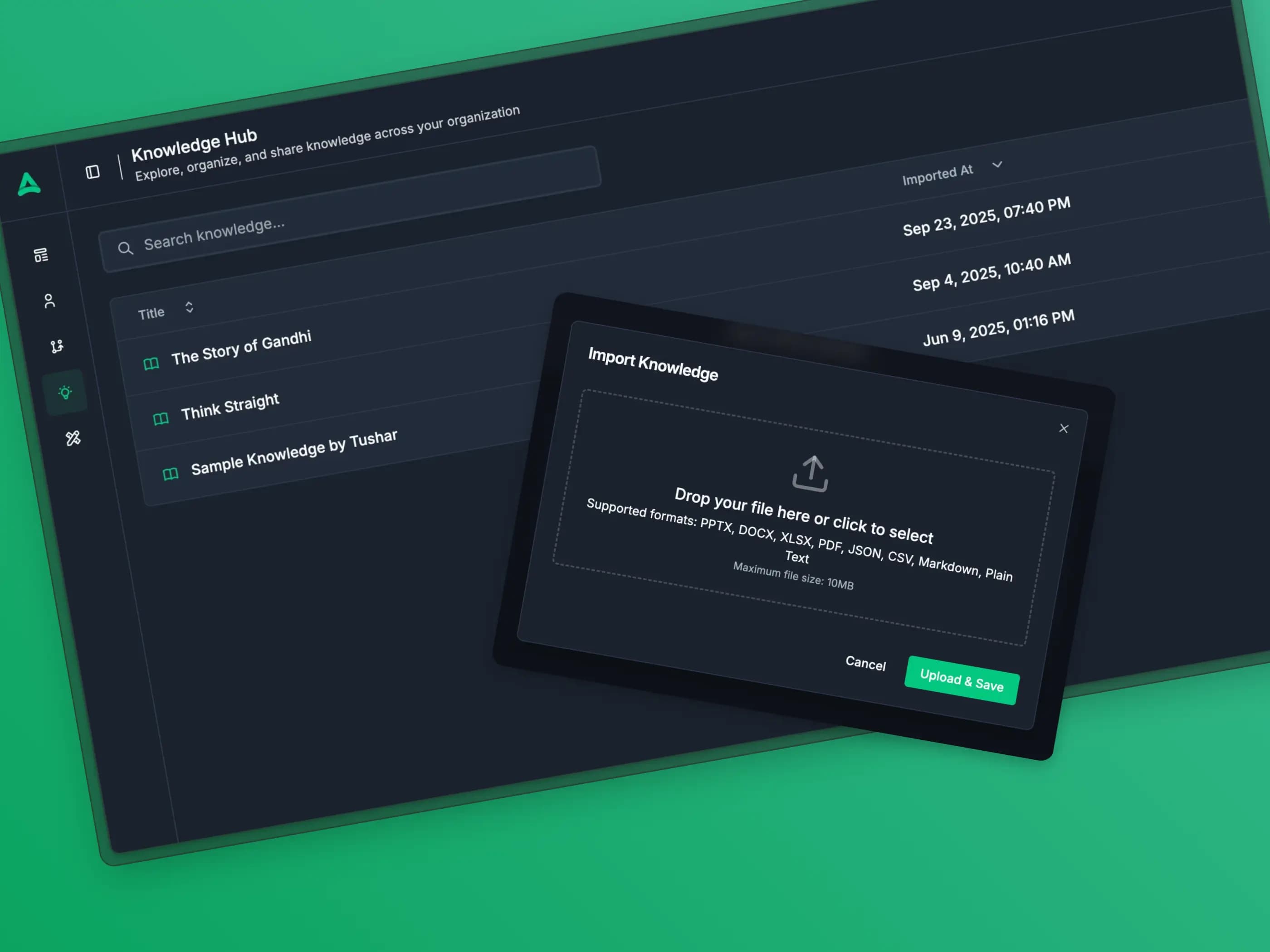
Drag the ENEX files into the Personal AI Assistant. Indexing runs in the background.
Step 03
Move new captures to chat or Slack
DeskFerry has no web clipper, so send new links and notes to the assistant in chat or through the DeskFerry Slack app instead.
Step 04
Cancel the Evernote subscription
Once the import looks good and your capture habit has moved, cancel at next renewal.
In the wild
Where DeskFerry beats Evernote.
The jobs where an agent that reads context and decides what to do next pulls ahead of a rule that fires on a trigger.
Web clip to action
Clip a competitor blog post. The agent summarizes it, files the highlights in Notion, and pings the product channel in Slack.
Meeting notes that schedule the follow-up
Capture a customer call. The agent extracts the commitments, schedules the calendar holds, and drafts the recap.
- CE
Commitment Extractor
Pulls who-owes-what from the call notes
Running - CH
Calendar Holder
Books the follow-up holds on both sides
Running - RD
Recap Drafter
Writes the customer recap in your voice
Queued

Reference recall across years
Ask the assistant what you wrote about a competitor in 2024. It finds the note, even without exact keyword matches.
Meeting notes
- • Feb 2024: positioning teardown after their Series A
- • May 2024: pricing change tracker — moved from $99 to $149
- • Aug 2024: customer interview citing them as a near-miss
Why teams switch
“We replaced three different point tools and a part-time VA with DeskFerry. The first agent we built paid for itself in two weeks.”
Honest take
When Evernote is the better call.
Stick with Evernote if you have a multi-year archive there, you use the Web Clipper heavily, and migration cost outweighs the benefits. Evernote's notebook + tag model is mature, and the search across rich media (PDF text, image OCR) is still solid. If your workflow is "find the right historical reference," Evernote is fine.
FAQ
Evernote alternatives — frequently asked.
Is there a free alternative to Evernote without the 50-note cap?
Yes — DeskFerry's free trial has no note limit. Apple Notes (free with iCloud) and Google Keep (free) are also options, but neither has built-in AI.
Can I migrate my Evernote notebooks to DeskFerry?
Yes. Export Evernote notebooks as ENEX files, then upload to DeskFerry. The assistant indexes the content and the notes become AI-searchable and actionable.
Does DeskFerry have a Web Clipper like Evernote?
No. DeskFerry does not ship a web clipper or browser extension. You capture by sending the assistant a link or note in chat, or through the DeskFerry Slack app. If one-click page clipping is central to how you work, that is a reason to keep Evernote.
Does DeskFerry support PDF and image OCR?
Yes. The assistant reads PDFs and extracts text from images on capture, then makes the content searchable through AI-native recall.
Is DeskFerry cheaper than Evernote Personal?
Slightly more for individuals ($49/mo workspace vs $14.99/mo per user), but DeskFerry includes the agent platform, 1,500+ integrations, and unlimited notes — not just a notebook.
What is the catch?
Evernote still has a deeper notebook + tag model for users who want manual organization. DeskFerry optimizes for "ask the assistant" over "navigate the notebook tree."
Describe the work. Watch it run.
Tell DeskFerry what Evernote was supposed to handle, in a sentence. It builds the agent, wires your tools, and takes the job from there. 7-day free trial.
Or see the whole DeskFerry agent platform — builder, integrations, orchestration, and memory in one place.
Keep exploring